From a chapter link
Paste the link to any chapter. The app fetches its pages in order, translates them and finds the next chapter.
Paste a chapter link or upload its pages. Yomu reads every bubble, translates it and letters it back in place, leaving the art untouched.
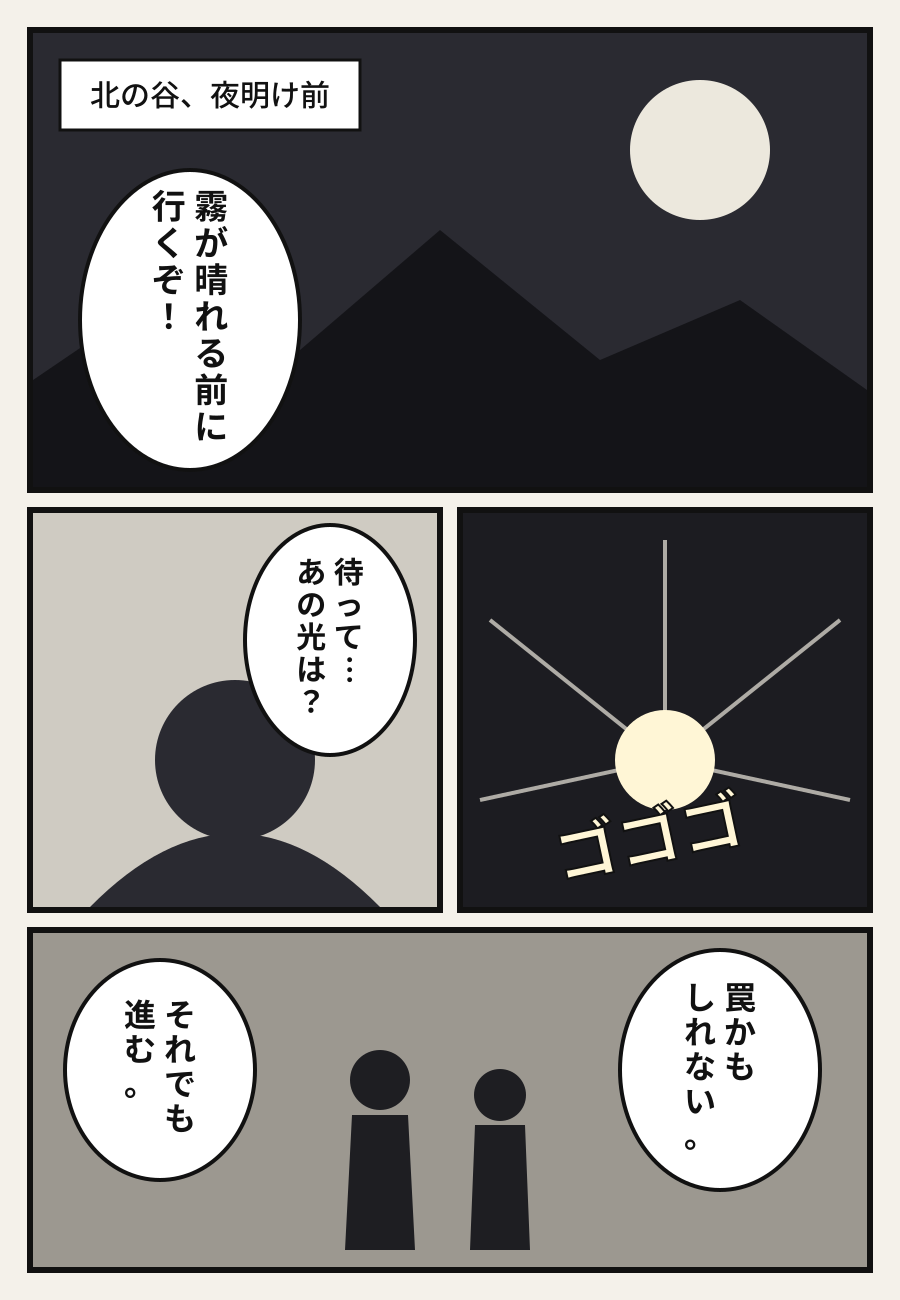
Try it on your own pages right here, no account needed.
Upload one page from any manga or manhwa, pick a language and see the result in seconds.
Your translated page will appear here
The app is built for everyday reading, not just one picture.
Paste the link to any chapter. The app fetches its pages in order, translates them and finds the next chapter.
Images, or a ZIP, CBZ, RAR or PDF holding several chapters, or paper pages through the camera.
Character and place names are translated the same way in every chapter, and you can edit them.
Tap a bubble to see the original text and alternative wordings, or write your own.
Natural and fluent, close to the original, or, for Arabic, a light Egyptian dialect.
The next chapter is translated in the background while you read, and saved for offline reading.
Speech bubbles, captions and sound effects, even vertical Japanese text.
It reads the page in the right order, so it knows who is talking to whom.
It hides the original and sizes the translation to fit each bubble.
We are finishing the app with every feature: links, files, glossaries and offline reading. Until it ships, try the translation on your pages right here.
Yes. You can translate a few pages a day from this page without signing up. Translating whole chapters will be in the app.
It detects the page's language automatically: Japanese, Korean, Chinese, English and more, and translates into 12 languages.
Your images are not stored. We only keep the translated text and the bubble positions, so the same page loads instantly if it is uploaded again.
Yes. Tall images are split into overlapping slices so no bubble gets cut, then put back together as one page.
It is machine translation by an AI model that reads the whole page, and it does well on most pages. In the app you can edit any bubble and lock names in the series glossary.